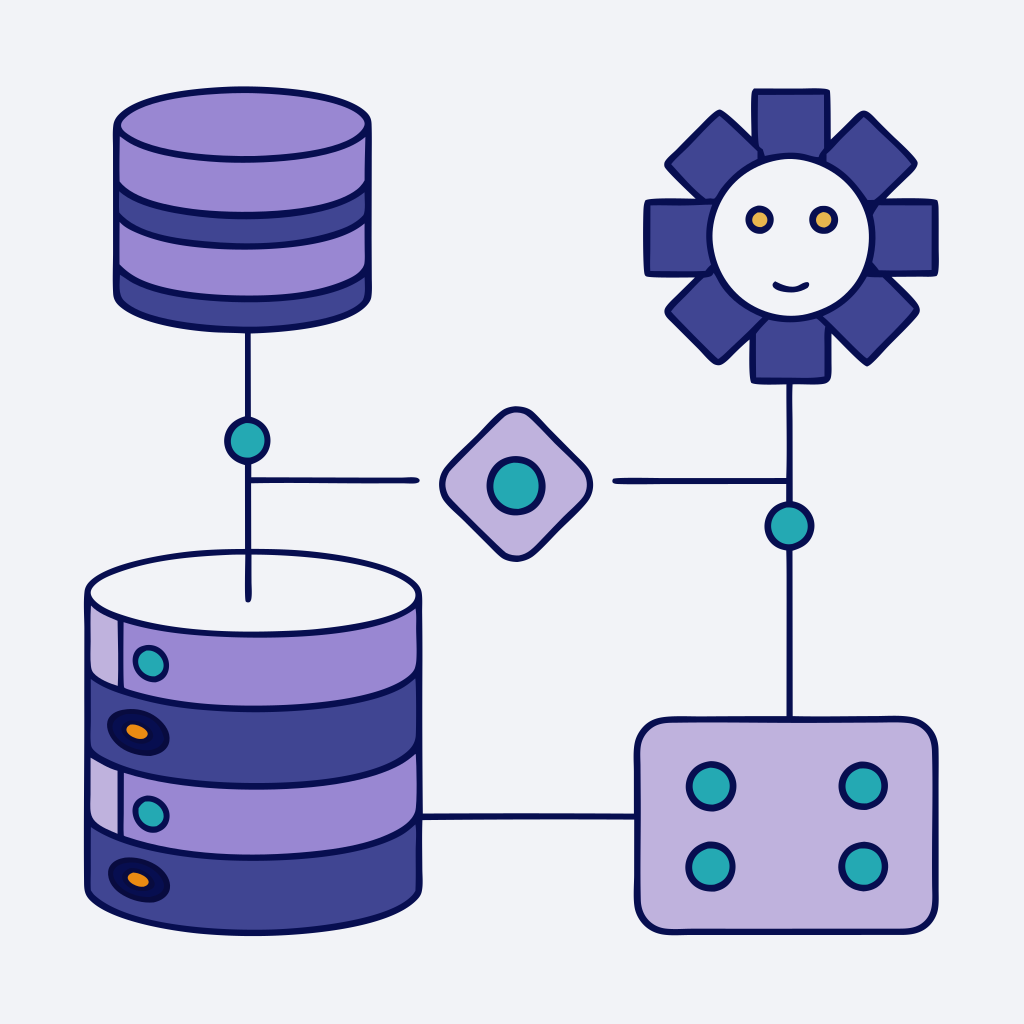
To connect an AI agent to a SQL database, you give the agent a tool it can call to fetch (or occasionally change) rows, and you put guardrails between that tool and the data. The hard part is not the connection string. It is deciding how much freedom the agent gets: a fixed list of safe queries, free-form SQL, or an API in front of the database.
This guide compares the four patterns most teams end up choosing between, shows a safe setup for PostgreSQL and MySQL, and covers what tends to go wrong. If you are building a customer-facing agent, read the safety sections before you read the setup.
The Short Answer
- Safest and most predictable: expose a small set of fixed, parameterized queries (or an API endpoint) as agent tools, run through a read-only database user.
- Most flexible, highest risk: text-to-SQL, where the model writes the query. Only use it with a read-only user, a restricted schema or views, a statement timeout, and a human or analyst audience, not anonymous customers.
- For documents and knowledge, not numbers: use RAG (vector search) instead of SQL.
- Avoid giving an agent a user with write access to production tables unless every write goes through a tool you control.
Turn Instagram DMs into booked calls
AI that qualifies leads, handles objections, and follows up - so you don't have to.
4 Ways to Connect an AI Agent to a Database
1. Fixed query tools (parameterized SQL)
You write the SQL. The agent only chooses which tool to call and fills in parameters, for example get_order_status(order_id) or list_open_invoices(customer_email). The model does not compose SQL text, so the attack surface for injection is small and the query plan is known in advance. This is the best default for customer-facing agents.
2. Text-to-SQL
The model reads your schema and writes the query itself. This is what most people picture when they search for "chat with your database". It is flexible and good for internal analytics, but the model can write wrong joins, scan huge tables, or return columns it should not. It needs a read-only user, a restricted set of tables or views, row limits and a timeout.
3. A custom API layer in front of the database
Instead of the agent talking to the database, it calls your own endpoint (REST or GraphQL), and your backend runs the queries. You get authentication, rate limits, caching and business logic in one place, and the agent does not hold database credentials. It takes more work upfront and is the right choice when logic spans several services or when you cannot expose the database network.
4. RAG (vector search) over exported data
You embed documents or exported rows into a vector store and let the model retrieve relevant chunks. This suits unstructured content such as help articles, policies and long text, but it is a poor fit for exact numbers or fresh rows. The index is only as current as your last refresh.
A note on MCP: the Model Context Protocol is a standard way to expose tools to agents. An MCP server for your database is one more way to implement patterns 1 to 3, and the same safety rules apply to whatever it exposes.
Which Pattern Should You Pick?
| Scenario | Fixed query tools | Text-to-SQL | API layer | RAG |
|---|---|---|---|---|
| Best for | Known questions: order status, availability, account lookups | Internal analytics and ad-hoc questions | Logic that spans services, or when the database cannot be exposed | Unstructured docs, FAQs, long text |
| Data shape | Rows and columns | Rows and columns | JSON from your service | Text chunks in a vector store |
| Flexibility | Low (only the queries you write) | High | Medium | Medium |
| Risk surface | Small: parameters only | Largest: model writes queries | Auth tokens, rate limits, input validation | Stale or leaked content, prompt filtering |
| Freshness | Live | Live | Live (depends on your caching) | As fresh as the last re-index |
| Build effort | Low to medium | Low to start, medium to harden | Highest | Medium |
| Skip it when | Questions are open-ended | Customers or anonymous users are the audience | You only need one simple lookup | You need exact numbers |
For a customer-facing agent, start with fixed query tools or an API layer. Add text-to-SQL later, only for internal users, and only against views.
How to Connect an AI Agent to PostgreSQL or MySQL Safely
The steps below are the same whichever agent platform or framework you use.
Step 1: Create a read-only user (and ideally use a replica)
Do not reuse your application's database user. Create a dedicated one that can only read what the agent needs. In PostgreSQL:
CREATE ROLE agent_reader LOGIN PASSWORD '<strong-generated-password>';
GRANT CONNECT ON DATABASE app_db TO agent_reader;
CREATE SCHEMA agent_views;
GRANT USAGE ON SCHEMA agent_views TO agent_reader;
GRANT SELECT ON agent_views.orders_public TO agent_reader;
ALTER ROLE agent_reader SET statement_timeout = '5s';
In MySQL:
CREATE USER 'agent_reader'@'%' IDENTIFIED BY '<strong-generated-password>';
GRANT SELECT ON app_db.agent_orders_view TO 'agent_reader'@'%';
If you can, point the agent at a read replica so a runaway query cannot affect your live application.
Step 2: Expose views, not raw tables
Create views that include only the columns the agent should see (no password hashes, no internal notes, no unnecessary personal data) and grant SELECT on those views only. This also gives the model a smaller, cleaner schema to reason about.
Step 3: Secure the connection
Require TLS, restrict network access to the IP addresses of your agent platform or backend where possible, and store credentials in a secrets manager or the platform's encrypted credential storage, not in prompts or in your codebase. If you use a connection pooler, make sure the agent does not open a new connection per message.
Step 4: Define the tools
For pattern 1, write each query once with named parameters and give the tool a clear name, a description of when to use it, and a typed input schema. For pattern 3, define the endpoint and let the tool call it. Return only the fields the agent needs, and cap the number of rows.
Step 5: Set limits
Add a statement timeout, a maximum row count, and rate limits on how often the tool can run per conversation. Add indexes for the columns your tools filter on before you go live.
Step 6: Test with hostile prompts
Try to break it before customers do. Ask for other customers' data, ask the agent to "ignore previous instructions", paste SQL into the chat, and request huge exports. The correct behavior is a refusal or an empty result, not data.
Step 7: Log everything
Log every tool call with its parameters, the user or conversation that triggered it, and the result size. This is how you debug wrong answers and how you detect abuse.
How to Let an AI Agent Access Your Database Safely
Condensed into a checklist:
- Dedicated database user with least privilege (read-only unless a specific write tool is justified).
- Views or an API layer instead of direct access to raw tables.
- TLS on, network access restricted, credentials in a secrets store.
- Parameterized queries for anything customer-facing. No free-form SQL for anonymous users.
- Statement timeout, row limit and rate limit on every tool.
- Customer data scoped by the authenticated user, not by something the user types into the chat.
- Writes only through narrow tools (for example "create support ticket"), not
UPDATEorDELETEon arbitrary tables, and ideally with human confirmation for anything destructive. - Logging and alerts on unusual query patterns.
What Goes Wrong When AI Agents Query Databases
- Plausible but wrong SQL. The model joins on the wrong key or misreads a column, returns a confident answer, and nobody notices. Views with clear column names and descriptions reduce this.
- Slow or expensive queries. Without indexes and a timeout, one badly formed query can lock up a busy database.
- Data leakage. The agent returns another customer's rows because the query was not scoped to the person asking.
- Prompt injection through your own data. If the agent reads free-text fields (reviews, support notes, names), a malicious value in a row can contain instructions aimed at the model. Treat database content as untrusted input.
- Over-trusting write access. A single hallucinated
DELETEis enough to ruin a day. Keep writes behind narrow, validated tools.
Where FlowGent Fits In
FlowGent builds AI agents that talk to your customers, with a focus on Instagram DMs (and also WhatsApp and Slack). Most of the time those agents do not need your database at all: they qualify leads, answer questions from a knowledge base, and book appointments through built-in Cal.com and Calendly tools. If that is what you are after, see the AI agent for Instagram and the Instagram appointment setter.
When an agent does need live data, such as order status or stock levels, the pattern we recommend is the API layer from above: put a small read-only endpoint in front of your database and give the agent a custom tool that calls it. Custom tools are available on the Standard plan and above (see pricing), and the agent then answers customers with live data without holding database credentials. For related setups, see how to build an AI agent fast, train an AI on your own data and automate order management.
FAQ
What does it mean to connect an AI agent to a SQL database?
It means giving an AI agent a tool that can run queries against a database such as PostgreSQL or MySQL, so it can answer questions from live data or take narrow actions. The agent decides when to use the tool; your tool definition and database permissions decide what it can touch.
Is it safe to give an AI agent access to my database?
It can be, if you limit what it can do. Use a dedicated read-only user, expose views or an API instead of raw tables, add timeouts and row limits, and avoid free-form SQL for anything customer-facing. Without those guardrails, mistakes and prompt injection can expose data or hurt performance.
Should my AI agent write SQL (text-to-SQL) or call predefined queries?
For customers and anonymous users, use predefined, parameterized queries or an API. Text-to-SQL is better suited to internal analytics where the audience is trusted, the schema is limited to views, and results are reviewed.
Can an AI agent write to the database?
Technically yes, but treat writes as the exception. Give the agent narrow tools for specific actions (create a ticket, update an appointment status) rather than general write access, validate the inputs in your own code, and consider human confirmation for anything destructive.
How do I stop slow, AI-generated queries?
Add indexes for the columns your tools filter on, set a statement timeout on the database user, cap the number of rows returned, and use connection pooling so every chat round trip does not open a new connection. Running the agent against a read replica also protects your live application.
When should I use RAG instead of SQL?
Use RAG for unstructured text such as help articles, policies and documentation. Use SQL (through fixed tools or an API) when you need exact, current values like order totals, balances or availability.
Which databases can an AI agent connect to?
Any database you can reach with a driver or API: PostgreSQL, MySQL, SQL Server, SQLite, and warehouses such as BigQuery or Snowflake. The pattern matters more than the engine, so the same safety rules apply across all of them.