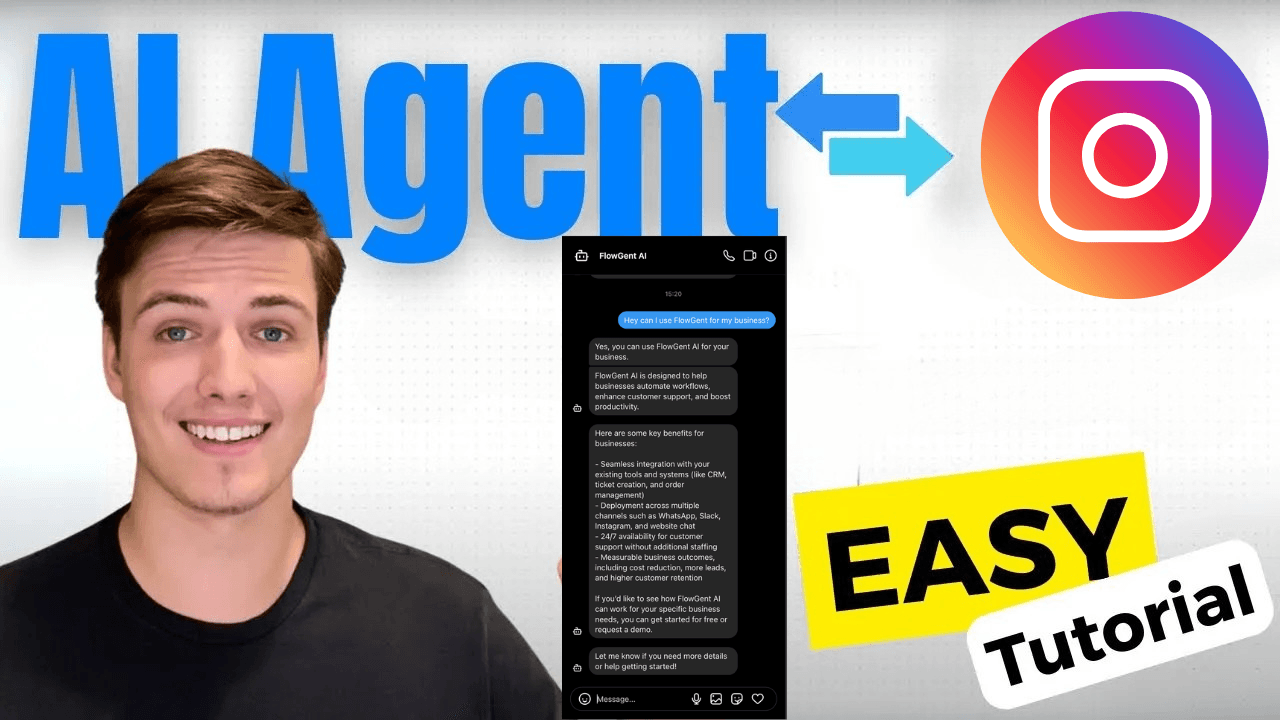
Do you spend hours every day responding to repetitive Instagram direct messages? If you want to automate Instagram DMs without losing the personal touch, this guide walks you through every step. Whether you are a creator, small business owner, or agency, automating your Instagram inbox can save you 10+ hours a week and help you capture leads that would otherwise slip away.
We cover why automated Instagram DMs matter, how to set up your first automation, which triggers to use, how to stay compliant with Instagram's rules, and which free tools are available in 2026. If you want the fastest path to results, check out our Instagram DM automation tool comparison to see how FlowGent stacks up. Looking beyond just DMs? Our guide to the best Instagram automation tools compares scheduling, engagement, and AI-powered platforms side by side.
Rather watch a video? Also, follow our Instagram channel for more tips.
Why Automate Instagram DMs?
Instagram DMs are one of the highest-converting customer touchpoints on social media. Most customers expect a fairly fast brand response, and businesses that automate Instagram DMs tend to capture more leads as a result. Yet most businesses still reply manually, which means missed messages, slow response times, and lost revenue.
Be aware of Instagram DM limits so you know how many messages you can send daily. For a deeper look at triggers, compliance, and strategy, see our complete Instagram DM automation guide. By automating repetitive responses:
- Your audience receives fast answers, improving their experience.
- You maintain personalization by handling complex queries yourself.
- You efficiently manage leads without missing opportunities.
- Your team can focus on high-value conversations instead of repetitive FAQs.
Turn Instagram DMs into booked calls
AI that qualifies leads, handles objections, and follows up - so you don't have to.
What Should Trigger Your Automatic Instagram DM?
The most effective Instagram DM automations are triggered by engagement signals rather than sent cold. People who interact with your content are already interested, which means automated replies feel helpful rather than spammy. Here are the most common trigger types:
Comment-to-DM automation is the most popular trigger. When a follower comments a specific keyword like "link" or "price" on your post or Reel, the system automatically sends them a DM with the relevant information. This keeps your comment section clean while moving the conversation to a private channel.
Story mention replies automatically thank users who tag your brand in their Stories. This simple acknowledgment strengthens relationships and encourages more user-generated content.
Story reply triggers respond when someone replies to your Story with a specific keyword or emoji, allowing you to deliver lead magnets, discount codes, or product links instantly.
Welcome DMs for new followers greet people who just followed your account with a short introduction and a call to action. This sets expectations and opens a conversation thread early.
Keyword-based DM replies detect specific words or phrases in incoming DMs and respond with relevant information. For example, if someone messages "hours" you can auto-reply with your business schedule. For a full walkthrough of setting up these keyword triggers, and a comparison of each Instagram auto reply tool worth considering, see our guide.
How to Set Up Automated Instagram DMs Step by Step
Here is how to start automating Instagram DMs with FlowGent AI in under 10 minutes:
Step 1: Create Your AI Agent
- Sign up on FlowGent.ai (free to start).
- Provide clear instructions for your AI agent to follow, much like training a new employee.
- See what a full AI agent for Instagram covers, from DM replies to lead qualification and booking, before you set yours up.
Step 2: Train Your Agent With Your Knowledge
- Add your website, PDFs, Notion pages, or even YouTube videos as knowledge sources.
- Update knowledge easily in real-time to keep your agent informed.
Step 3: Connect Your Instagram Account
- Link FlowGent directly to your Instagram Business or Creator account through the official Meta API. Not on a professional account yet? See how to switch to a business account on Instagram.
- Customize settings for message handling, escalation rules, and tool integration.
- For users who prefer open-source workflows, check out our step-by-step Instagram DM automation with n8n guide.
- Not sure FlowGent is the right fit? Compare it with ManyChat, LinkDM and others in our Instagram DM automation tool roundup.
Step 4: Configure Triggers and Responses
- Set up comment-to-DM keywords for your most popular posts and Reels.
- Create welcome sequences for new followers.
- Build FAQ response flows for common questions like pricing, shipping, and hours.
Step 5: Capture and Qualify Leads
- Configure your AI agent to collect essential lead information such as name and email.
- Automatically escalate qualified leads to your team via email or Slack.
Is There a Way to Automate Instagram Messages for Free?
Yes. Several tools offer free tiers for Instagram DM automation in 2026. The free options typically come with message volume limits, but they work well for smaller accounts getting started:
- FlowGent AI offers a free trial that includes Instagram DM automation, AI-powered responses, and lead capture.
- LinkDM provides up to 1,000 free automated DMs per month with comment-to-DM automation.
- ManyChat has a free tier for up to 25 contacts, though advanced features require a paid plan. See our full ManyChat pricing breakdown, 2026 ManyChat review, and ManyChat vs Chatfuel comparison for details on costs, pros, cons, and real user feedback. If that 25-contact cap is too tight, our free ManyChat alternative comparison covers other free and paid options.
The key difference between free and paid tools is usually the quality of AI responses, the number of automations you can run simultaneously, and access to analytics. If you are testing the waters, a free tier is a good starting point. Once you see results, upgrading to a paid plan with better AI and deeper integrations typically pays for itself through the leads you capture.
How to Automate Instagram DMs Without Getting Banned
Instagram does not ban automation itself. It bans misuse. To stay compliant and protect your account:
Use tools that connect through Meta's official API. FlowGent, ManyChat, and LinkDM all use the approved Instagram Graph API. Avoid Chrome extensions or browser bots that simulate manual logins, as these violate Instagram's Terms of Service and can get your account suspended.
Stay within rate limits. Instagram allows approximately 200 API calls per user per hour and 200 messages per conversation per hour. Responsible tools manage this for you automatically.
Only message users who engaged first. Instagram enforces a 24-hour messaging window after a user initiates contact. You cannot send unsolicited bulk DMs through the official API.
Vary your message content. Sending identical messages to hundreds of users triggers spam detection. Use dynamic fields like the recipient's name and reference their specific action (the comment they left, the Story they replied to) to keep messages unique.
Include an opt-out or human handoff. Always give users a clear way to speak with a real person. A simple line like "Type 'human' to connect with our team" builds trust and keeps your automation compliant.
Smart Features That Make Automated Instagram DMs Feel Human
Modern AI-powered DM automation goes far beyond canned replies. FlowGent AI uses advanced language models to create responses that feel natural and conversational. Here is what sets intelligent automation apart:
- Context-aware replies that reference the user's specific question or comment instead of sending generic answers.
- Multi-language support with 95+ languages detected automatically, so international followers get replies in their own language.
- Meeting scheduling through integrations like Cal.com directly inside the DM conversation.
- Personalized interactions using a natural messaging style that matches your brand voice.
- Smart escalation that detects frustrated or complex messages and routes them to a human agent.
You do not need to be tech-savvy to benefit from these features. FlowGent's no-code setup means you can test and refine your agent's responses directly in the platform before going live.
Can You Automate Instagram DMs for Lead Generation?
Instagram DM automation is one of the most effective lead generation channels for businesses on the platform. Here is how it works in practice:
- Attract attention by posting a Reel or carousel with a clear call to action like "Comment GUIDE to get our free checklist."
- Trigger the DM automatically when someone comments the keyword. The bot sends the lead magnet, as text, a personalized image in the DM or an Instagram DM carousel, and asks a qualifying question.
- Capture contact info by asking for their email or phone number inside the DM thread.
- Escalate warm leads by routing qualified prospects to your sales team via email, Slack, or CRM integration. FlowGent also keeps contacts, tags and pipeline status in an Instagram CRM view.
This approach combines organic content with automation to build a lead funnel that keeps working between posts. If you want to turn this into a repeatable growth motion, see how Instagram outreach automation scales reply-based outreach without putting your account at risk. For the lead capture setup itself, see lead generation on Instagram.
How Many Instagram DMs Can You Automate Per Day?
The number of automated DMs you can send depends on your tool and Instagram's rate limits. Through the official Meta API, the practical limits are:
- 200 messages per conversation per hour
- 200 API calls per user per hour
- Marketing messages limited to one per day per user
These limits apply to the API, not to individual tools. A good automation platform like FlowGent manages rate limiting automatically so you do not accidentally exceed thresholds. For a detailed breakdown, see our guide on Instagram DM limits.
Best Practices for Automated Instagram DMs
To get the most from your Instagram DM automation:
- Start small. Launch with one or two automations (like a comment-to-DM keyword and a welcome message) and expand once you see what works.
- Write like a human. Use conversational language, contractions, and your brand's personality. Avoid stiff, corporate-sounding scripts.
- Test before going live. Send test messages to yourself and your team. Check that links work, the tone sounds right, and the escalation flow is smooth. If a test message does not arrive, see why Instagram DMs are not working.
- Review analytics weekly. Track response times, engagement rates, and conversion rates. Adjust your messaging based on what the data shows.
- Keep your knowledge base current. When your pricing, hours, or product lineup changes, update your AI agent's training data immediately.
Get Started Free Today
Ready to automate Instagram DMs and turn your inbox into a lead-generating machine? FlowGent AI lets you set up intelligent, AI-powered DM automation in under 10 minutes with no coding required.